
Attendance and leave
Check in with the place recorded or swipe on your machines. Hours worked out for you, half-day leave, work from home, regularization and approvals by managers.
One system for your people: attendance from check-ins or your biometric machines, leave, payroll with PF, ESI, professional tax and TDS, hiring and offer letters, onboarding and more. Built for Indian businesses.
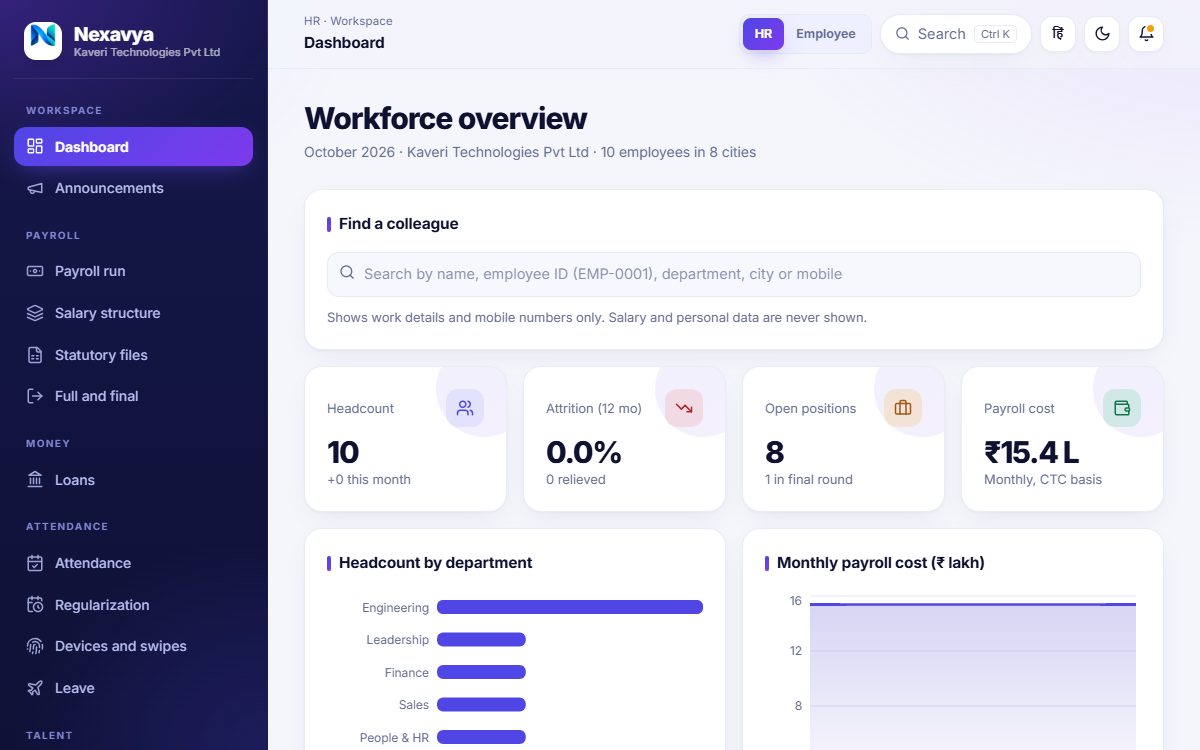
Start with the basics and switch on more as you grow. Nothing to stitch together, no sheets to chase.
Check in with the place recorded or swipe on your machines. Hours worked out for you, half-day leave, work from home, regularization and approvals by managers.
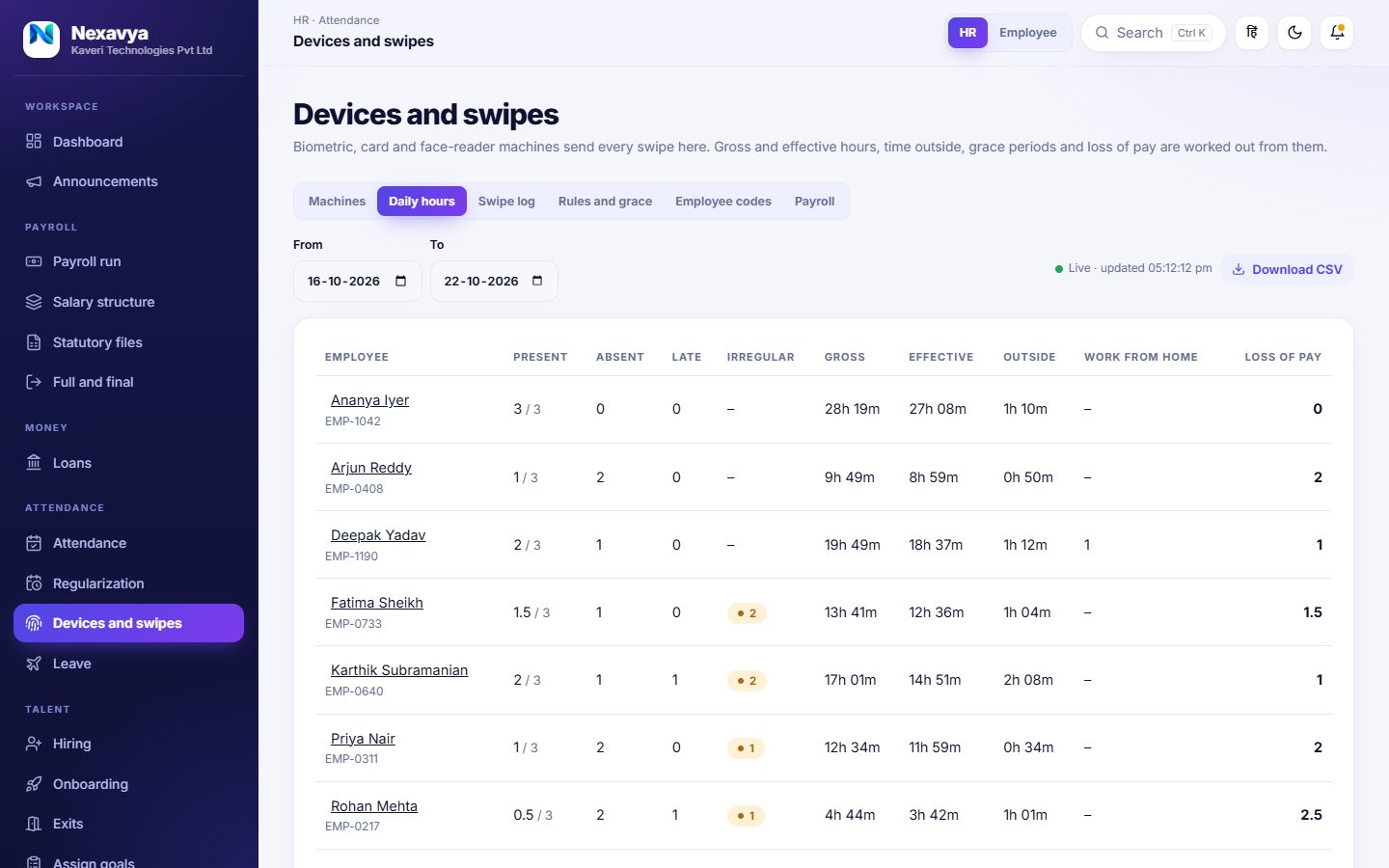
Biometric, card and face readers: every swipe counted, gross and effective hours, time outside, grace periods and loss of pay for payroll.
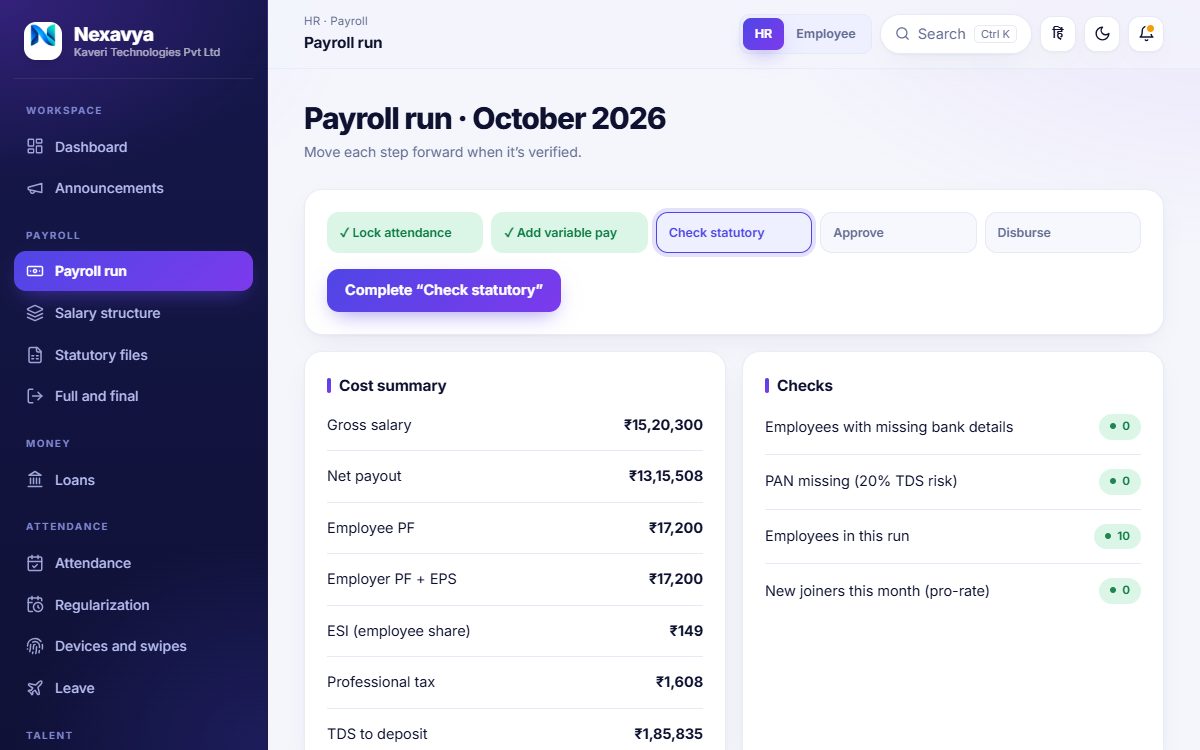
Run payroll step by step, with PF, ESI, professional tax and TDS worked out, payslips, Form 16 and the statutory files.
Track candidates, invite them to interviews with a meeting link, and send a proper offer letter by email.
Candidates accept online and upload their documents; HR reviews each one and turns them into an employee in one click.
Goals, self-reviews and feedback, so performance conversations have something to stand on.
Announcements with reactions and replies, kudos, polls and suggestions that keep people talking.
A directory with photos and contact details, reporting lines and a team view for every manager.
Headcount, attendance and payroll reports, and a compliance calendar so nothing is missed.
Claims and approvals, company equipment on record, and a helpdesk for everyday requests.
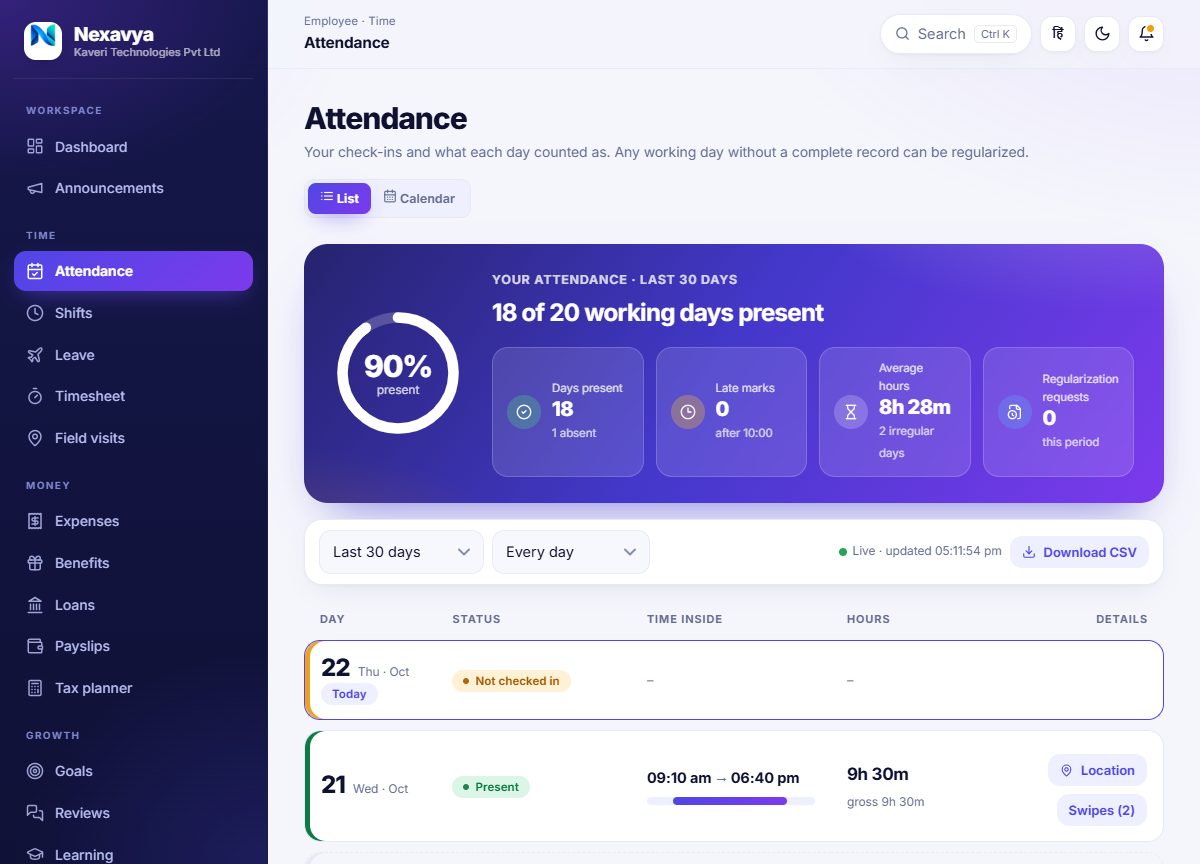
Every day gets a card with the times inside, the hours worked and the swipes behind them. Check-ins keep the place on a map and how far it was from your office. A day that falls short of the full hours is marked, and the employee fixes it with a short remark and one request.
People swipe in and out as often as they like. Every swipe is kept, and the day is worked out from them: how long they were actually inside, how long outside, with the grace periods and break rules you set. Anything short of a full day is flagged, and loss of pay can go straight to the payslips.
In the Growth and Enterprise plans.
Move each step forward when it is checked: lock attendance, add variable pay, check statutory, approve, disburse. The cost summary and the checks sit next to each other, so mistakes show up before money moves.
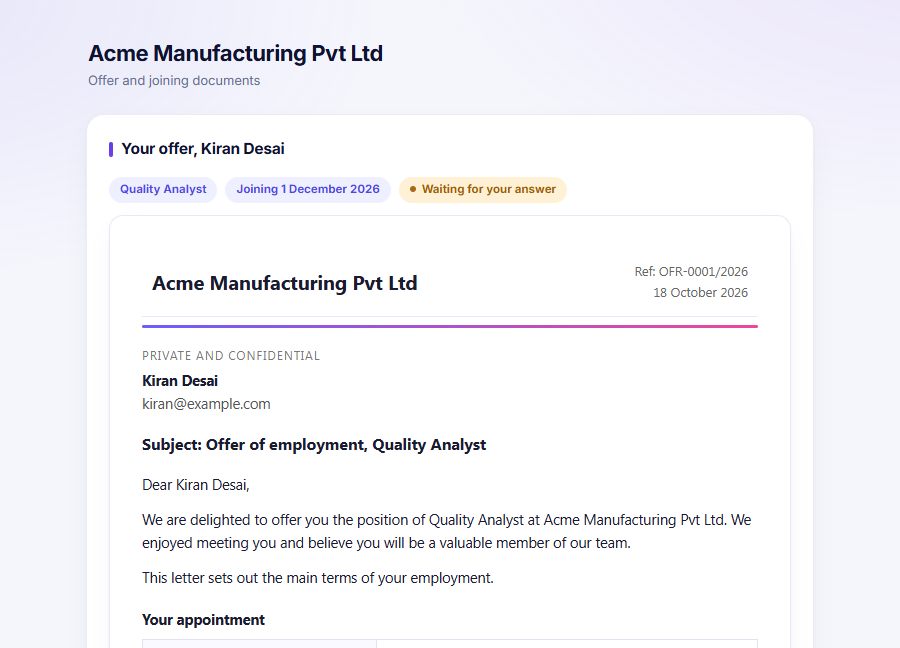
Send a formatted offer letter by email with a private link. The candidate accepts, adds their details and uploads documents; HR approves or sends back each one with a reason, then makes them an employee with their details already in.
Tell us about your team. We show you the product against how you work today.
Your logo, leave policy and office location, and your people brought in from a spreadsheet.
Employees sign in with their own ID. HR runs the first month with the checks beside every step.
HR data is some of the most personal data a company holds. We treat it that way.
Every company has its own database and its own file folder. Nothing is mixed with anyone else’s.
Employees, managers and HR each see only their part: pay, ID numbers and mobile numbers are limited to the person, their manager and HR.
If our team ever has to look at your company, it is read-only, short, needs a written reason, and the reason is shown in your own log.
Sign-ins, resets and sensitive changes are logged. Higher plans add the full audit log of who changed what.
Companies are backed up, and your data can be exported when you want it, so you are never locked in.
Offer links are long, random, expire and can be withdrawn; candidates’ documents are visible to HR only.
Start small and add services and people as you need them. Prices are listed openly.
Small teams getting HR and payroll in order
Up to 25 employees
Start with StarterGrowing companies that hire, review and engage
Up to 250 employees
Choose GrowthLarger companies that need every service and control
No fixed employee limit
Talk to usPrices are per month and exclude GST. Compare plans and see what each includes
Yes. Upload a spreadsheet (CSV, which opens in Excel and Google Sheets). We check every row first and show you each problem, and nothing is saved until the whole sheet is right. Mobile numbers, managers, PAN and bank details can be included.
Yes. Payroll covers PF, ESI, professional tax by state and TDS, and produces payslips, Form 16 and the statutory files. Ask for the demo and bring a real salary structure; we will run it through.
Yes. Each company has its own database and its own file storage. Signing in needs your company code, so one company can never open another’s data.
You can add users and storage to a plan, switch on a service for your company only, or move to a bigger plan. We can also build a custom plan for you.
Yes. Employee data exports to a spreadsheet and your company’s data can be exported in full, so you are never locked in.
Fill in the short form on the demo page. We will get in touch to agree a time.
A short walkthrough, tailored to how you work. No cost and nothing to prepare.